

Five years ago, building an online store meant hiring developers, spending months on setup, and investing thousands before selling a single product.
Today? You could have a fully functional store live by tomorrow morning.
I’m not exaggerating. Modern e-commerce platforms have made it so simple that the only thing standing between you and your online store is the decision to start.
No technical skills. No massive budget. No waiting for permission.
Let me walk you through exactly how it works.
Why Own Your Store Instead of Selling on Marketplaces ?
Before we dive into the how, let’s address the why.
You might be thinking: “Why bother with my own store when I can just sell on Amazon or Flipkart?”
Fair question. Here’s the honest answer:
What You Get With Your Own Store ?
Your Own Store | Marketplace Selling |
Keep 100% of your margin | Pay 15-30% commission |
Own your customer data | Customers belong to the platform |
Build your brand | Compete on price alone |
Control your marketing | Limited promotional tools |
Create loyal repeat buyers | One-transaction relationships |
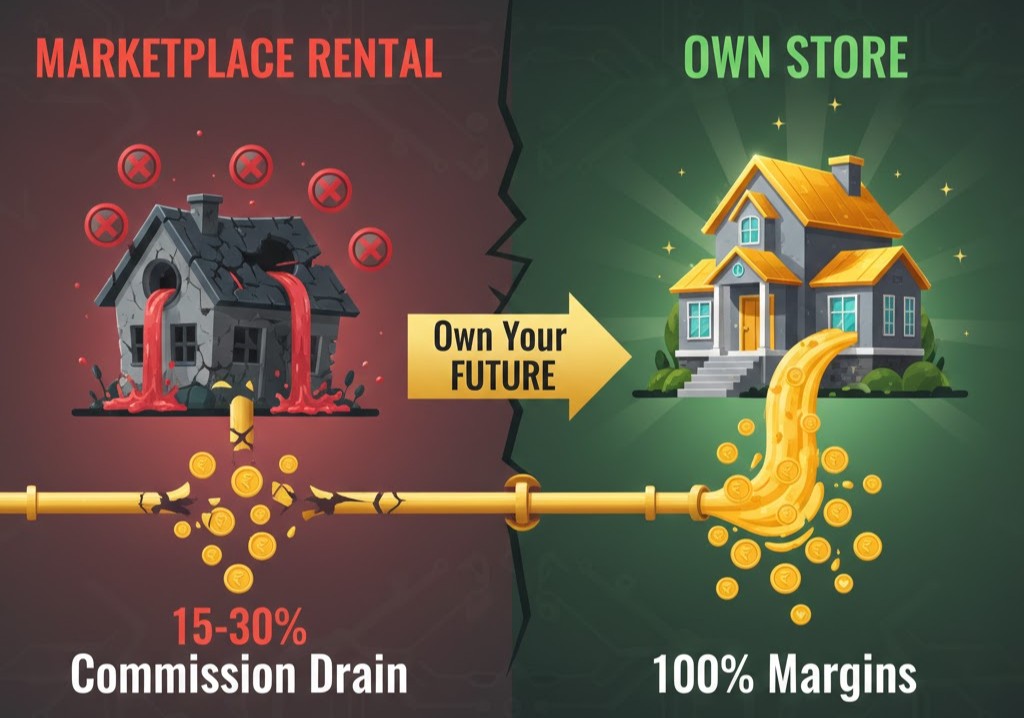
Marketplaces are rental properties. Your own store is real estate you own.
There’s nothing wrong with selling on marketplaces—many successful businesses do both. But if you’re serious about building a brand that lasts, you need a home base that you control.
Who Can Build an Online Store?
Short answer: anyone who can send an email.
Seriously. If you’ve ever:
- Created a Facebook profile
- Posted on Instagram
- Sent a WhatsApp message
…you have more than enough technical skill to build an online store.
This works for:
- Small and local businesses ready to go digital
- Home-based entrepreneurs starting their first venture
- Existing retailers wanting an online presence
- Service providers selling digital products or bookings
- D2C brands looking to build direct customer relationships
The barrier isn’t skill anymore. It’s just getting started.
Step 1: Choose Your Product and Platform
Decide What You're Selling
This might sound obvious, but it’s where most people get stuck. They want to start an online store but can’t decide what to sell.
Here’s a simple framework:
Good products to sell online:
- Solve a real problem people have
- Are easy to explain and photograph
- Have healthy profit margins
- Can be shipped without complications (or are digital)
- Have demand you can verify
Popular categories that work well:
- Fashion and accessories
- Health and wellness products
- Electronics and gadgets
- Home and lifestyle items
- Digital products and courses
Pro tip: Don’t try to sell everything. Start with a focused product range and expand once you understand your customers.
Pick the Right E-Commerce Platform
The platform you choose determines how easy your store is to build, run, and scale.
What to look for:
Feature | Why It Matters |
Easy setup | Launch in hours, not weeks |
Mobile-responsive | Most shoppers are on phones |
Secure payments | Customers trust you with money |
SEO-friendly | Get found in search results |
Scalable | Grow without switching platforms |
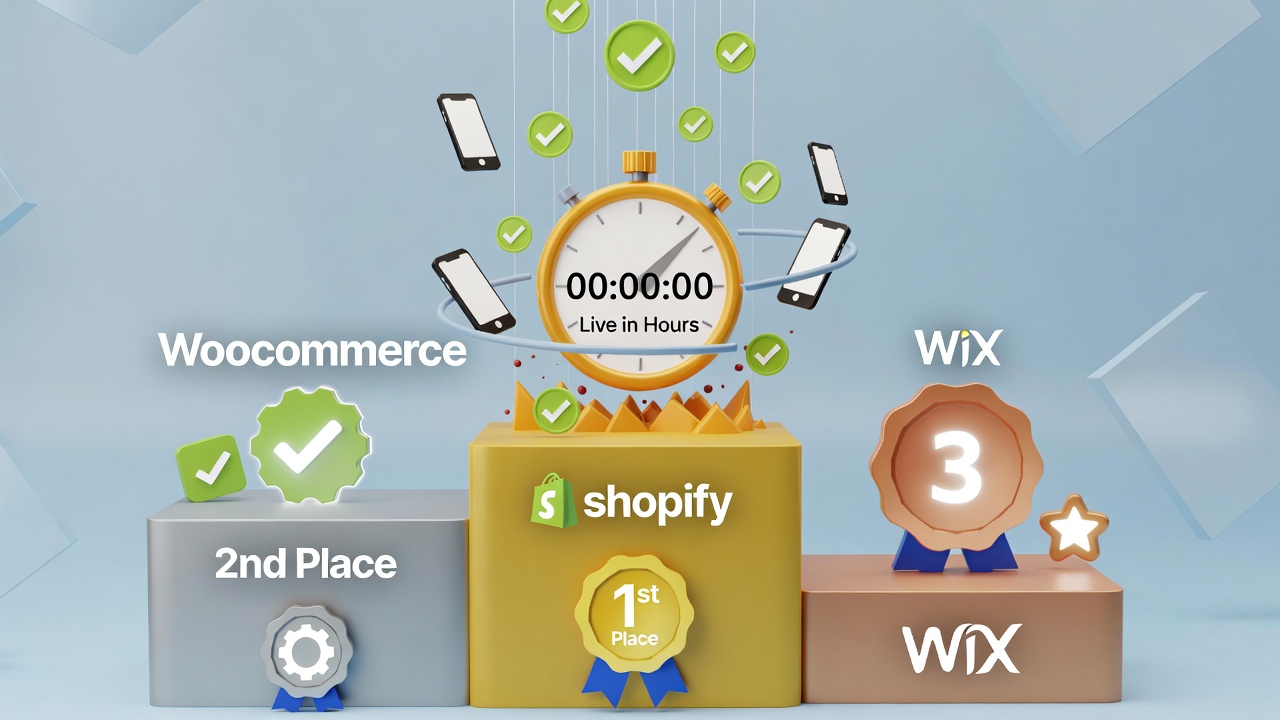
Popular options in 2026:
- Shopify — Best all-around for most businesses
- WooCommerce — Flexible if you want more control
- Wix — Great for simpler stores
- BigCommerce — Strong for scaling businesses
Don’t overthink this choice. Any major platform will work for starting out. You can always migrate later if needed.
Step 2: Design, Brand, and Set Up Payments
Create a Store That Builds Trust
Here’s something most new store owners miss: design isn’t about looking pretty. It’s about building trust.
Visitors decide within seconds whether they trust your store enough to buy. Your design either builds that trust or destroys it.
Elements of a high-converting store:
- Clean, professional layout — No clutter, easy to navigate
- High-quality images — Invest in good product photography
- Clear descriptions — Tell customers exactly what they’re getting
- Visible contact info — Show you’re a real business
- Trust signals — Reviews, security badges, clear policies
Common mistakes that kill trust:
- Blurry or amateur product photos
- Missing or hidden contact information
- No clear return policy
- Slow-loading pages
- Broken links or missing information
Set Up Payment Options
Making it easy to pay is non-negotiable. Every friction point in checkout is a lost sale.
Payment options to include:
- Credit and debit cards (via Razorpay, Stripe, etc.)
- UPI (essential for Indian customers)
- Net banking
- Digital wallets (PayTM, Google Pay)
- Buy Now, Pay Later options
- Cash on Delivery (still important in India)
Shipping considerations:
- Partner with reliable delivery services
- Offer multiple shipping speeds
- Be transparent about delivery times
- Consider free shipping thresholds
Step 3: Launch and Market Your Store
Go Live With Confidence
Before hitting “publish,” run through this pre-launch checklist:
- Test the complete checkout flow yourself
- Place a real test order
- Check every page on mobile
- Verify email confirmations work
- Test payment processing
- Proofread all content
- Confirm product prices and inventory
- Set up basic analytics tracking
Nothing damages a new store faster than a broken buying experience. Take the extra hour to test everything.
Drive Traffic to Your Store
Your store is live. Now what?
A store without traffic is just a digital brochure nobody reads. Here’s how to change that:
Immediate actions:
- Announce your launch on all social channels
- Email your existing contacts
- Share with friends and family (and ask them to share)
- Post in relevant online communities
- Consider launch promotions to generate buzz
Ongoing marketing channels:
Channel | Time to Results | Cost |
Social media marketing | Weeks | Low/Free |
Search engine optimization | Months | Time investment |
Google/Facebook ads | Days | Paid |
Email marketing | Weeks | Low |
WhatsApp marketing | Days | Low/Free |
Influencer partnerships | Weeks | Varies |
The honest truth: Marketing takes more effort than building the store. Budget at least as much time for promotion as you did for setup.
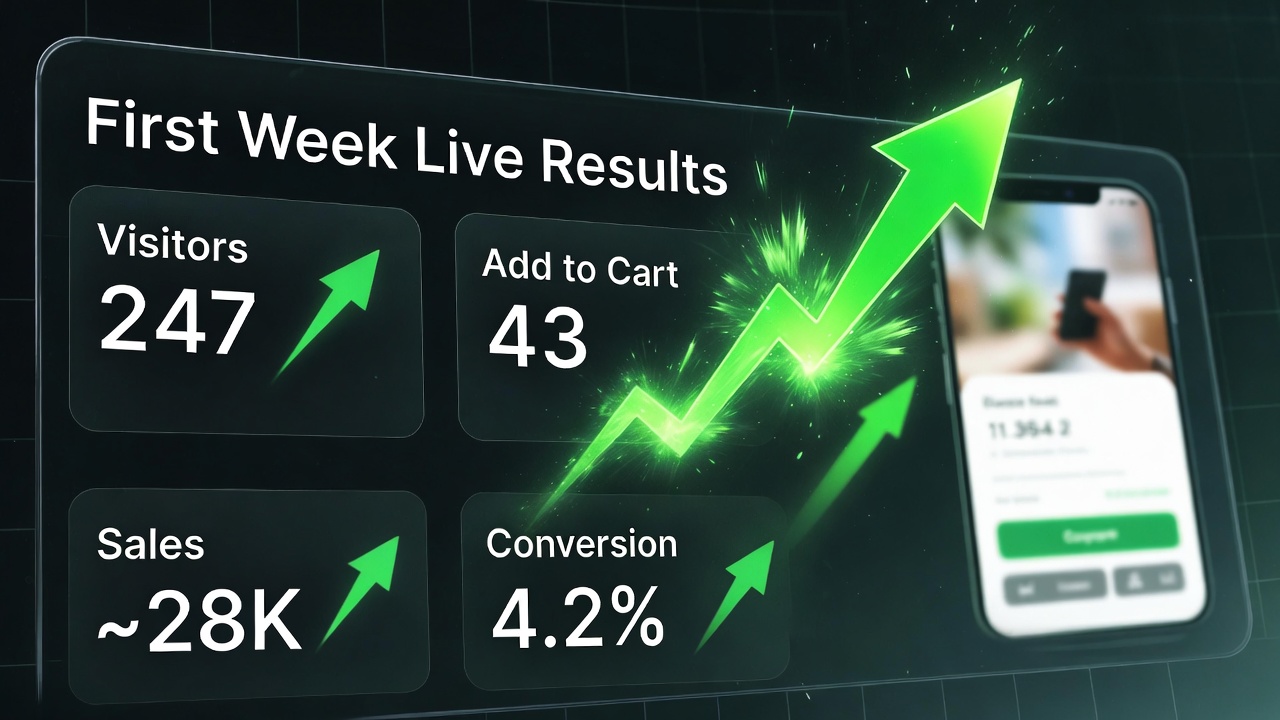
Track, Learn, Improve
Data tells you what’s working and what isn’t.
Metrics to monitor:
- Website traffic — How many people are visiting?
- Conversion rate — What percentage actually buy?
- Average order value — How much are customers spending?
- Customer acquisition cost — What does each new customer cost?
- Return customer rate — Are people coming back?
Use these numbers to make decisions. Double down on what’s working. Fix or abandon what isn’t.
After Launch: Growing Your Store
Building the store is just the beginning. Here’s how successful stores scale:
Expand Your Product Range
Once you understand what your customers want, add complementary products. A store selling yoga mats might add blocks, straps, and apparel.
Automate Operations
As orders increase, manual processes break down. Invest in:
- Automated order processing
- Inventory management systems
- Email marketing automation
- Customer service tools
Build Customer Loyalty
Acquiring new customers is expensive. Keeping existing ones is profitable.
- Launch a loyalty or rewards program
- Implement referral incentives
- Send personalized recommendations
- Provide exceptional customer service
The Bottom Line
Building an online store has never been easier.
The technology exists. The platforms are user-friendly. The customers are online and ready to buy.
The only question is whether you’ll take the three steps to make it happen—or keep waiting for the “perfect time” that never comes.
Your competitors aren’t waiting. Your customers aren’t waiting.
Why are you?
Frequently Asked Questions
Do I need technical skills to build an online store? No. Modern e-commerce platforms like Shopify and Wix are designed for non-technical users. If you can use social media, you can build an online store. More complex customizations can be added later as you grow.
How long does it take to build an online store? A basic store can be live in a few hours. A more polished store with good photography, complete descriptions, and proper testing typically takes a few days to a week. Don’t let perfectionism delay your launch.
How much does it cost to start an online store? You can start with minimal investment—often under ₹1,000/month for basic platform fees. Costs increase as you add features, marketing spend, and inventory. Start small and reinvest profits into growth.
Can I sell digital products through my own store? Absolutely. Online stores can sell physical products, digital downloads, subscriptions, courses, services, and appointment bookings. The platforms support various product types out of the box.
What’s the biggest challenge after building a store? Driving traffic and converting visitors into customers. Many entrepreneurs focus entirely on building the store and underestimate the ongoing effort required for marketing. Plan for this from the start.
Should I use a marketplace like Amazon alongside my own store? Many successful businesses do both. Marketplaces provide reach and discovery; your own store builds brand loyalty and better margins. They can complement each other well.
Need help launching your online store with integrated marketing from day one? AI Marketing Technology provides comprehensive e-commerce solutions that get you selling faster.
