
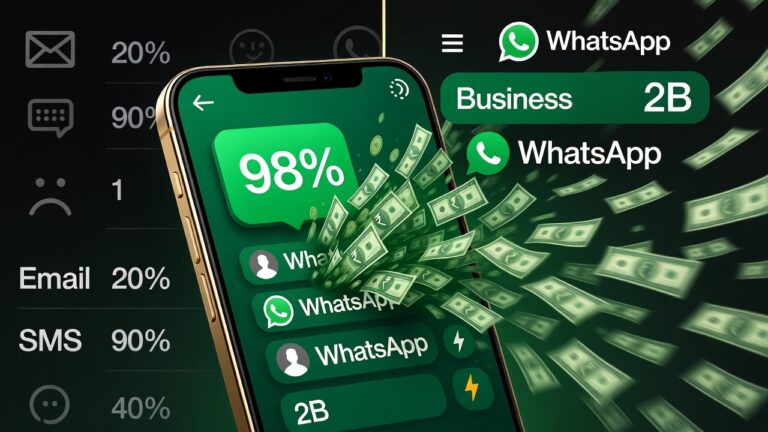
Here’s a number that should get your attention: 98%.
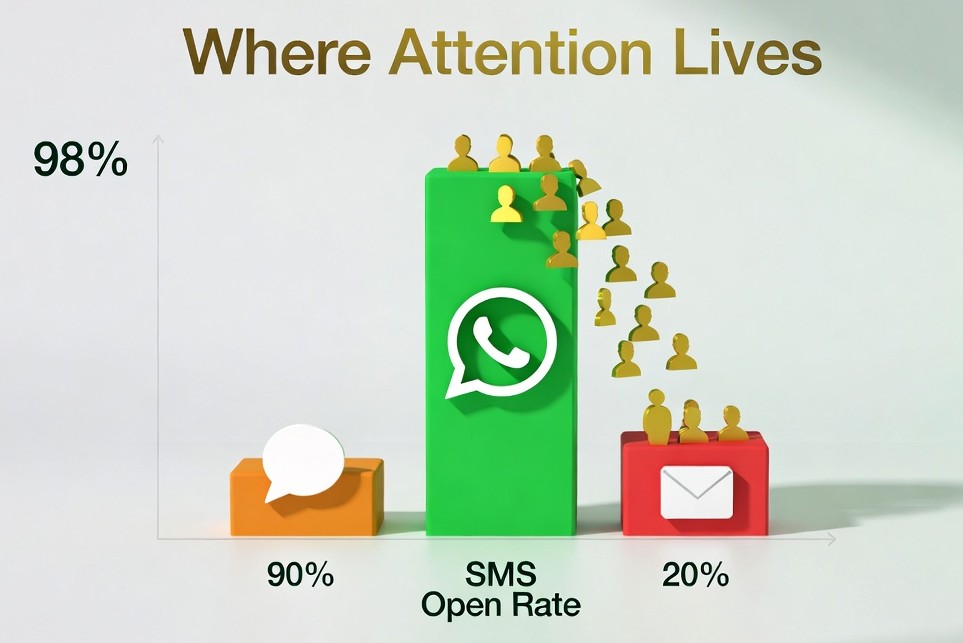
That’s the open rate for WhatsApp messages. Compare that to email (around 20%) and you start to understand why businesses worldwide are abandoning traditional communication channels in favor of a messaging app most people associate with family group chats.
But here’s what’s really interesting—WhatsApp isn’t just for chatting anymore. In 2026, it’s become a full-fledged business platform where companies are making sales, providing support, and building relationships that would have been impossible through any other channel.
If you’re still treating WhatsApp as “just another messaging app,” you’re leaving money on the table.
What Does "Running a Business on WhatsApp" Actually Mean?
Let’s clear up a common misconception. Using WhatsApp for business doesn’t mean abandoning your website or ignoring other channels. It means meeting your customers where they already are—on an app they check dozens of times a day.
Businesses use WhatsApp to:
- Communicate in real-time with customers who have questions
- Share product catalogs with images, descriptions, and pricing
- Process orders and send payment links
- Provide instant support without the friction of email tickets
- Send updates on orders, appointments, and deliveries
The magic is in the immediacy. When a customer messages you on WhatsApp, they expect a response in minutes—not hours or days. And when you deliver that speed, you build trust that competitors can’t match.
Why WhatsApp Has Become a Business Powerhouse ?
The Numbers Don't Lie
Metric | SMS | ||
Open Rate | 98% | 20-25% | 90% |
Average Response Time | 5 seconds | Hours/Days | Minutes |
Daily Active Users | 2B+ globally | N/A | N/A |
Business Accounts | 200M+ active | N/A | N/A |
Cost | Free (basic) | Low | High |
Your Customers Are Already There
Think about your own behavior. When was the last time you excitedly opened a marketing email? Now think about how quickly you respond to WhatsApp messages.
Your customers behave the same way. WhatsApp isn’t something they need to learn or download—they’re already using it. Every. Single. Day.
It's Personal Without Being Invasive
WhatsApp occupies a unique psychological space. It feels more personal than email but less intrusive than a phone call. Customers are comfortable receiving business messages there because it’s where they already communicate with people they trust.
Who's Crushing It With WhatsApp Business?
Product-Based Businesses
- Fashion and clothing sellers sharing new arrivals through status updates
- Beauty brands sending personalized skincare recommendations
- Local shops letting customers browse catalogs and order without visiting
Service Providers
- Consultants and coaches scheduling sessions and sharing resources
- Home repair services sending quotes and booking appointments
- Tutors coordinating lessons and sharing study materials
Appointment-Based Businesses
- Salons and spas confirming bookings and sending reminders
- Clinics managing patient communication and follow-ups
- Real estate agents sharing property details and scheduling viewings
The common thread? These businesses use WhatsApp to remove friction from the customer journey. No forms to fill out. No emails to compose. Just a quick message and a fast response.
WhatsApp Business App vs. WhatsApp Business API
Here’s where things get interesting for scaling businesses.
WhatsApp Business App (Free)
Perfect for small businesses and solo entrepreneurs:
- Business profile with your name, description, and hours
- Product catalog showcasing your offerings
- Automated messages for greetings and away responses
- Quick replies for frequently asked questions
- Labels to organize conversations
WhatsApp Business API (For Scale)
When you’re handling hundreds or thousands of conversations:
- Multi-agent support so your team can all use the same number
- CRM integration connecting conversations to customer records
- Chatbot automation handling routine queries 24/7
- Bulk messaging for announcements and campaigns
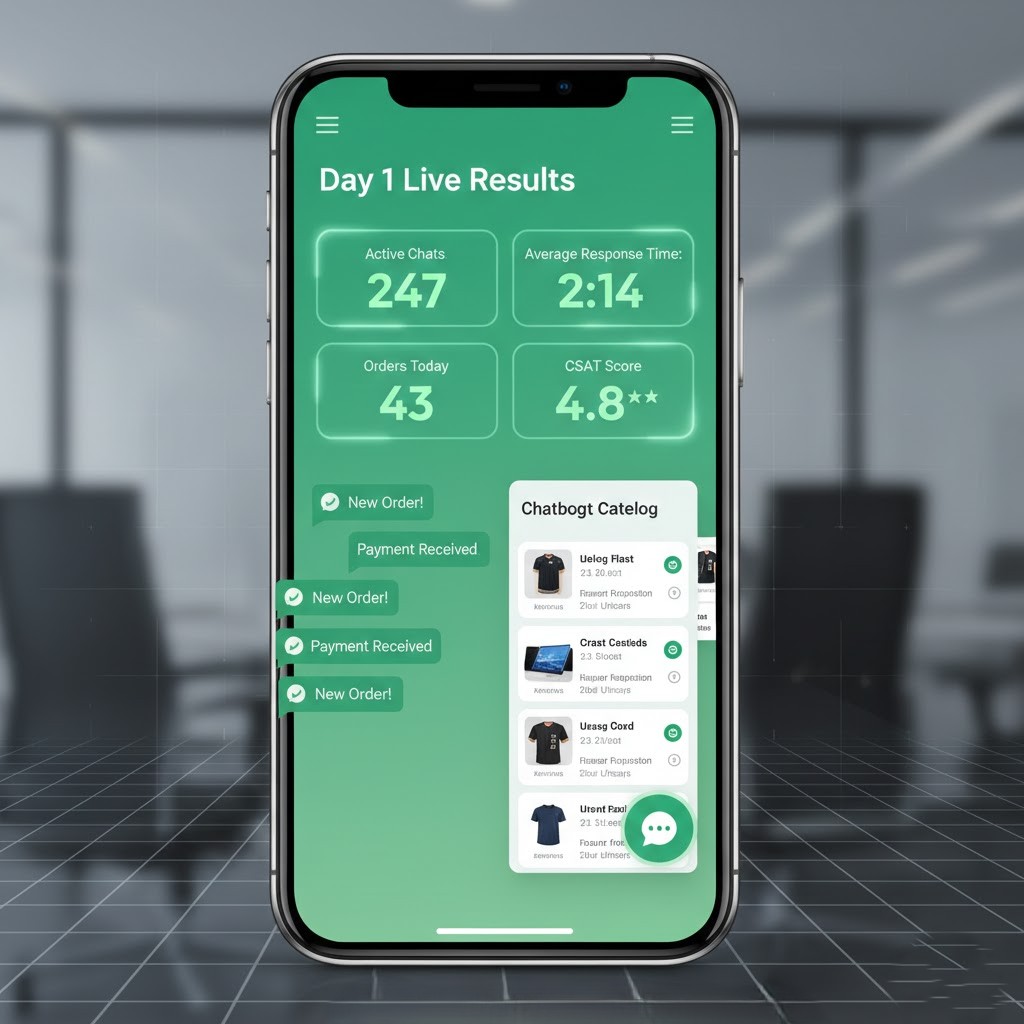
- Advanced analytics tracking response times and satisfaction
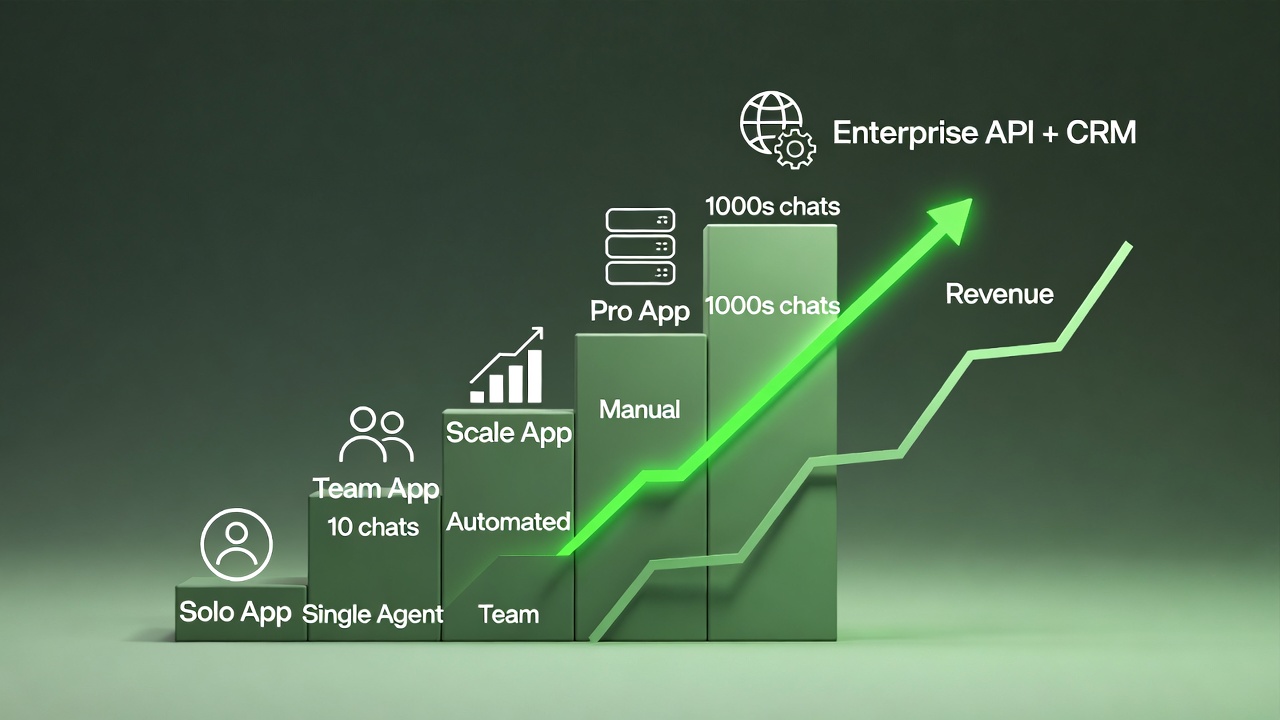
The API requires a provider and has associated costs, but for growing businesses, it’s often the difference between chaos and scalability.
The Honest Limitations (And How to Work Around Them)
WhatsApp isn’t perfect for every business scenario. Here’s where it falls short:
Limited Analytics
WhatsApp doesn’t give you the detailed tracking you’d get from a website or e-commerce platform. Workaround: Pair it with CRM software that logs conversations and tracks customer journeys.
Manual Effort at Scale
Handling hundreds of messages manually will burn you out. Workaround: Implement chatbots for FAQs and use the API for team distribution.
Platform Dependency
If WhatsApp restricts your account, you could lose a critical channel overnight. Workaround: Never rely solely on WhatsApp. Use it as part of a multi-channel strategy.
Limited Branding
You can’t customize the WhatsApp interface like you can a website. Workaround: Ensure your catalog images, business description, and communication style reflect your brand.
The Smart Way to Use WhatsApp for Business
The businesses winning with WhatsApp aren’t using it for everything. They’re using it for what it does best: real-time, personal communication.
The Ideal WhatsApp Business Stack
- Website or landing page for discovery and detailed information
- WhatsApp for conversations, support, and relationship-building
- CRM for tracking customer data and history
- Payment gateway for processing transactions
- Automation tools for scaling without losing the personal touch
What to Use WhatsApp For ?
- Quick questions and consultations
- Order confirmations and updates
- Appointment reminders
- Post-purchase support
- Building ongoing relationships
What to Handle Elsewhere ?
- Complex transactions with multiple products
- Detailed analytics and reporting
- Content marketing and brand awareness
- Long-form communication
Getting Started: Your WhatsApp Business Checklist
Ready to start? Here’s your setup checklist:
- Download WhatsApp Business (separate from personal WhatsApp)
- Complete your business profile with accurate information
- Add your product catalog with clear images and descriptions
- Set up automated greeting and away messages
- Create quick replies for common questions
- Develop a response time commitment (and stick to it)
- Plan how you’ll integrate with your existing tools
- Define clear boundaries for what you’ll handle via WhatsApp
The Bottom Line
WhatsApp isn’t replacing your marketing strategy. It’s amplifying it.
In a world where customers are drowning in emails and tuning out ads, WhatsApp offers something rare: a direct line to their attention. Used well, it builds the kind of personal relationships that turn one-time buyers into loyal customers.
The question isn’t whether WhatsApp can work for your business. With 2 billion active users and a 98% open rate, the math speaks for itself.
The question is: are you ready to meet your customers where they already are?
Frequently Asked Questions
Is it legal to run a business through WhatsApp? Yes, running a business through WhatsApp is completely legal as long as you follow WhatsApp’s Business Terms of Service and your local business regulations. This includes getting consent before messaging customers and avoiding spam-like behavior.
What’s the difference between WhatsApp and WhatsApp Business? WhatsApp Business is a separate app designed specifically for businesses. It includes features like business profiles, product catalogs, automated messages, labels for organizing conversations, and quick replies—none of which are available in regular WhatsApp.
Can I accept payments through WhatsApp? WhatsApp has native payment features in some countries (like India with UPI). For other regions, businesses typically share payment links through messages, directing customers to their preferred payment gateway or digital wallet.
Is WhatsApp Business suitable for large companies? Large businesses typically use the WhatsApp Business API rather than the app. The API allows for multi-agent access, CRM integration, chatbot automation, and handling thousands of conversations efficiently.
Should I use WhatsApp instead of a website? WhatsApp works best alongside a website, not as a replacement. Your website handles discovery, detailed information, and complex transactions, while WhatsApp excels at personal communication and relationship-building.
How do I get customers to message me on WhatsApp? Add a WhatsApp button to your website, include your number on social media profiles, use “Click to WhatsApp” ads, and add QR codes to physical marketing materials. Make it easy for customers to start conversations.
Want to integrate WhatsApp into a complete customer communication strategy? AI Marketing Technology can help you build seamless, AI-powered customer experiences across all channels.
