
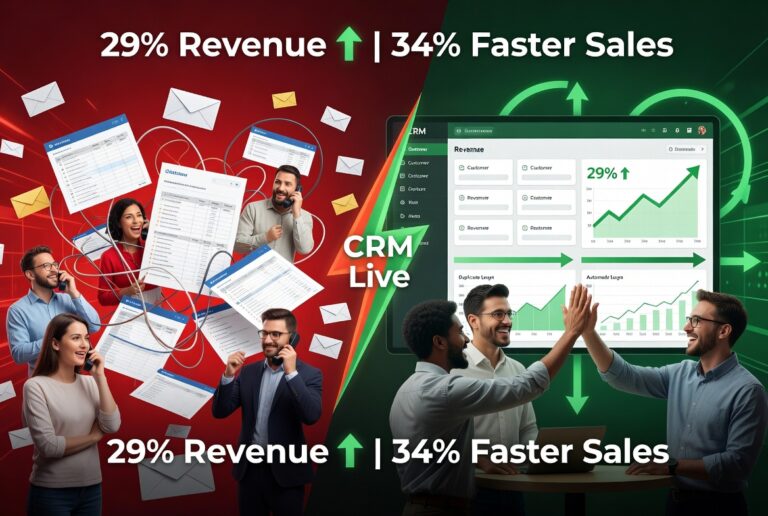
Let me describe a scenario that happens in businesses every day:
A customer calls in. They spoke with someone last week about an issue. The person who answers has no idea what they’re talking about. The customer explains everything again, gets transferred, explains again, gets a different answer than before, and hangs up frustrated.
Meanwhile, two salespeople are working the same lead without knowing it. Marketing is sending emails to people who already bought. And somewhere in a spreadsheet that hasn’t been updated in three months, critical customer information is quietly rotting.
This is what business looks like without a CRM.
And in 2026, it’s completely unnecessary.
What Is CRM?
CRM stands for Customer Relationship Management. It’s both a strategy and a technology for managing all your business’s interactions with current and potential customers.
At its core, CRM is simple: it helps you build better relationships with customers by understanding who they are, what they need, and how to serve them well.
But in practice, CRM has evolved into something much more powerful—a central nervous system for your entire customer-facing operation.
What Is a CRM System?
A CRM system is the digital platform that makes customer relationship management actually work. It’s a centralized database that stores and organizes everything you know about every customer.
What a CRM System Contains ?
- Contact information: Names, emails, phone numbers, social profiles
- Communication history: Every email, call, chat, and meeting
- Sales interactions: Quotes, proposals, contracts, purchases
- Customer preferences: Product interests, communication preferences
- Support tickets: Issues raised, resolutions provided
- Account details: Billing, subscriptions, renewals
Instead of this information scattered across spreadsheets, email threads, sticky notes, and people’s heads, a CRM consolidates everything into one accessible, searchable place.
CRM Software, Programs, and Platforms: What's the Difference?
These terms get used interchangeably, but there are distinctions:
CRM Software
The technology that powers a CRM system. It’s the actual application you use to:
- Track leads and opportunities
- Automate follow-up reminders
- Monitor customer journeys
- Analyze performance data
Modern CRM software is typically cloud-based, accessible from anywhere, and designed to be user-friendly for non-technical teams.
CRM Program
How your business uses CRM software as part of your overall customer strategy. A CRM program includes:
- Defined workflows for sales and customer service
- Automation rules and triggers
- Reporting requirements and KPIs
- Team responsibilities and access permissions
Think of it this way: the software is the tool; the program is how you use it.
CRM Platform
A comprehensive CRM platform goes beyond basic contact management. It integrates multiple business functions:
Feature | What It Does |
Sales pipeline management | Tracks deals through stages |
Marketing automation | Sends targeted campaigns |
Customer support tools | Manages tickets and issues |
Analytics and reporting | Provides insights and forecasts |
Third-party integrations | Connects with other business tools |
A CRM platform manages the entire customer lifecycle, from first touch to long-term loyalty.
Why Your Business Needs a CRM ?
This isn’t about technology for technology’s sake. CRM solves real business problems.
1. Better Customer Relationships
A CRM gives every team member a complete view of every customer interaction. When someone reaches out, you know:
- Who they are
- What they’ve bought
- What issues they’ve had
- Who they’ve spoken with
- What’s currently in progress
This enables personalized, informed conversations instead of generic, frustrating ones.
2. Increased Sales Efficiency
Sales teams waste enormous time on administrative tasks that CRM automates:
- Lead tracking: Know exactly where every opportunity stands
- Follow-up automation: Never forget to reach out at the right time
- Pipeline visibility: See bottlenecks before deals die
- Data entry reduction: Information flows in automatically
Companies using CRM report closing deals 45% faster on average.
3. Improved Team Collaboration
When everyone works from the same data, problems disappear:
- No more duplicate outreach to the same prospect
- No more conflicting information from different departments
- No more “I didn’t know they already complained about that”
CRM creates a single source of truth that everyone shares.
4. Data-Driven Decision Making
CRM software provides insights that gut feeling never could:
- Which lead sources convert best
- Where deals get stuck in the pipeline
- Which customers are at risk of churning
- What’s actually driving (or hurting) performance
Good data leads to good decisions. CRM provides the data.
5. Scalable Growth
As businesses grow, customer management becomes exponentially more complex. What worked with 50 customers breaks with 500.
A CRM system scales with you. The processes, automation, and visibility that work for 500 customers work just as well for 5,000—without requiring 10x the staff.
The Business Impact of CRM
Let’s look at what CRM actually delivers:
Benefit | Typical Business Impact |
Sales increase | 19% average revenue boost |
Productivity | 34% more efficient sales teams |
Customer retention | 27% higher loyalty |
Deal velocity | 45% faster close rates |
Customer lifetime value | 47% higher on average |
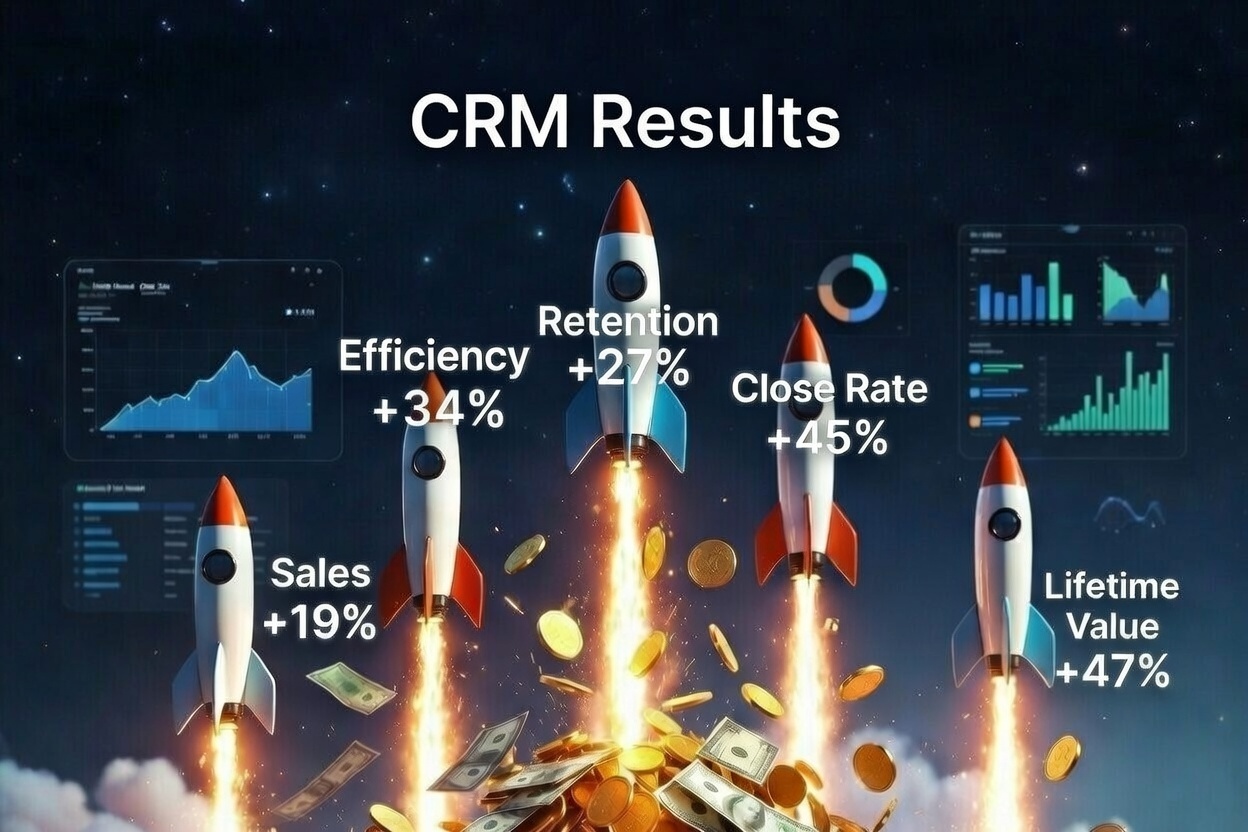
These aren’t theoretical projections. They’re documented results from businesses that implemented CRM properly.
Who Should Use a CRM System?
Short answer: Any business that interacts with customers.
Longer answer:
Small Businesses and Startups
“We’re too small for a CRM” is one of the most expensive mistakes small businesses make.
CRM is more important when you’re small. You can’t afford to lose track of leads. You can’t afford to provide inconsistent service. Every customer matters more.
Many CRM platforms offer free tiers specifically for small teams. The investment is minimal; the impact is significant.
Enterprise Organizations
At scale, CRM is infrastructure. It coordinates across departments, provides visibility to leadership, and enables the consistency that large organizations require.
Sales-Driven Companies
If your revenue depends on sales teams closing deals, CRM is non-negotiable. Pipeline visibility, activity tracking, and forecasting are essential.
Service-Based Businesses
Professional services, agencies, consultancies—anywhere the relationship is the product, CRM helps you manage and strengthen those relationships systematically.
E-Commerce Brands
Customer data fuels e-commerce success. Purchase history, preferences, behavior patterns—CRM makes this information actionable for marketing and retention.
How CRM Software Supports Business Growth ?
Lead Management
Capture leads automatically from website forms, ads, and other sources. Qualify and score them based on behavior. Route them to the right salesperson instantly.
Customer Retention
Track engagement patterns that indicate satisfaction or risk. Trigger proactive outreach before customers churn. Identify upselling and cross-selling opportunities.
Marketing Optimization
Segment your audience based on real data. Deliver targeted campaigns that resonate. Measure what actually drives revenue.
Performance Tracking
Real-time dashboards show what’s working and what isn’t. Individual and team metrics keep everyone accountable. Forecasts become reliable instead of hopeful.
Choosing the Right CRM Platform
Not all CRM systems are equal. The right choice depends on your business needs.
Key Selection Criteria
Ease of use: A CRM that’s too complicated won’t get used. Adoption is everything.
Customization options Can you adapt workflows to match how your business actually operates?
Integration capabilities Does it connect with your email, calendar, marketing tools, and other systems?
Scalability: Will it grow with you, or will you outgrow it in two years?
Security and compliance: Is your customer data protected? Does it meet regulatory requirements?
Cost structure Not just the sticker price—total cost including implementation, training, and ongoing fees.
CRM Implementation: A Practical Timeline
Week | Action | What Gets Done |
1 | Define goals and KPIs | Clear success criteria |
2 | Import customer data | Clean migration from current systems |
3 | Train core team (80%+ of users) | Adoption foundation |
4 | Launch first automated campaigns | Immediate value delivery |
5+ | Iterate and optimize | Continuous improvement |
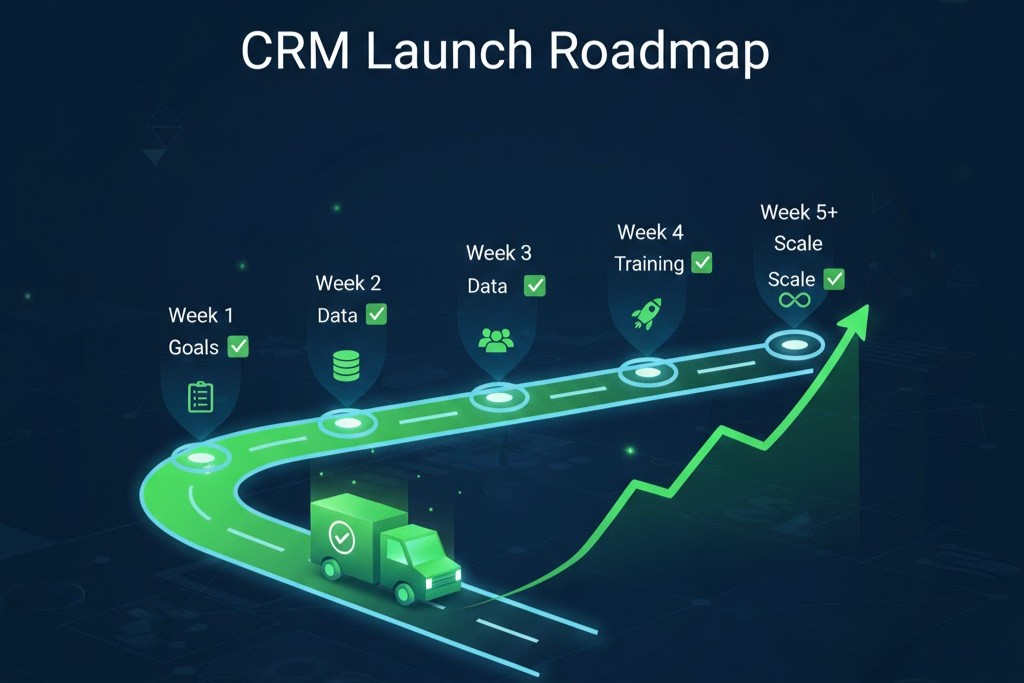
The biggest mistake in CRM implementation is treating it as a one-time project rather than an ongoing evolution. Start simple, prove value, expand systematically.
Common CRM Myths (Debunked)
- “CRM is just for big companies.” Wrong. Small businesses often see even greater proportional impact. Modern platforms are accessible at every scale.
- “CRM is expensive.” Many powerful CRM options are free or low-cost, especially for small teams. The question isn’t cost—it’s ROI.
- “My team won’t use it.” This is usually a training and change management problem, not a CRM problem. Choose a user-friendly system and invest in proper onboarding.
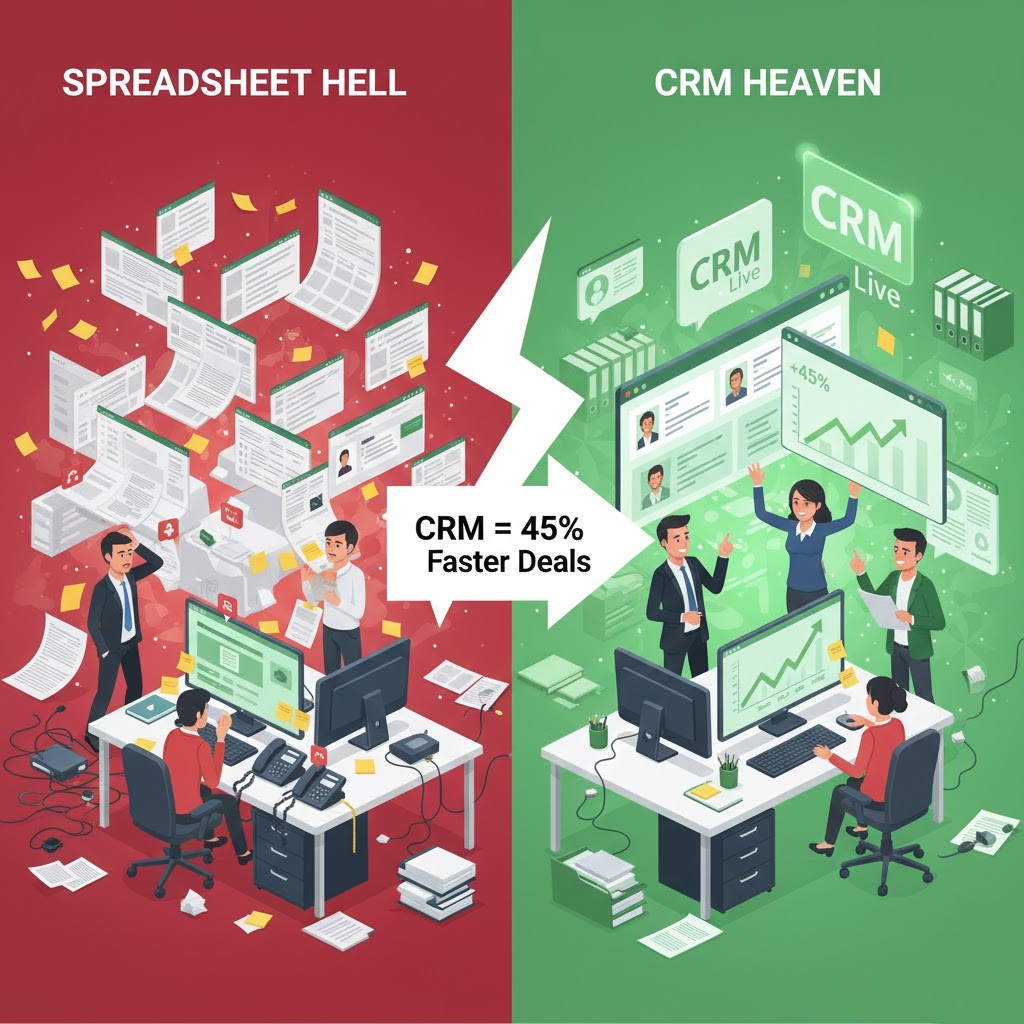
- “Spreadsheets work fine.” They work fine until they don’t. Spreadsheets don’t scale, don’t integrate, don’t automate, and create dangerous data silos.
Frequently Asked Questions
What is CRM in simple terms? CRM is a system that helps businesses manage customer information, communication, and relationships in one centralized place. It’s your single source of truth for everything customer-related.
What’s the difference between CRM software and a CRM platform? CRM software typically focuses on specific functions (like contact management). A CRM platform offers a complete, integrated solution across sales, marketing, service, and analytics.
Is CRM only for large businesses? Absolutely not. Small and medium businesses often benefit most from CRM because they can’t afford inefficiency. Many platforms offer free or affordable options for smaller teams.
How does a CRM system improve sales? By tracking leads, automating follow-ups, providing pipeline visibility, and giving salespeople insights that help them close deals faster. Less admin, more selling.
Is CRM software difficult to use? Modern CRM platforms are designed for usability. Most people can learn the basics in a day. Full proficiency takes a few weeks of regular use.
How long does CRM implementation take? Basic implementation can happen in 2-4 weeks. More complex deployments (enterprise, heavy customization) take 2-3 months. The key is starting simple and iterating.
Ready to transform how you manage customer relationships? AI Marketing Technology helps businesses select, implement, and optimize CRM solutions for real growth.
